F1 RAG Chatbot
A Formula 1 chatbot that answers from race data going back to 1950, and radios the web when the data runs dry.
- Ran on EC2, retired
- RAG · GPT-4.1-mini · Pinecone
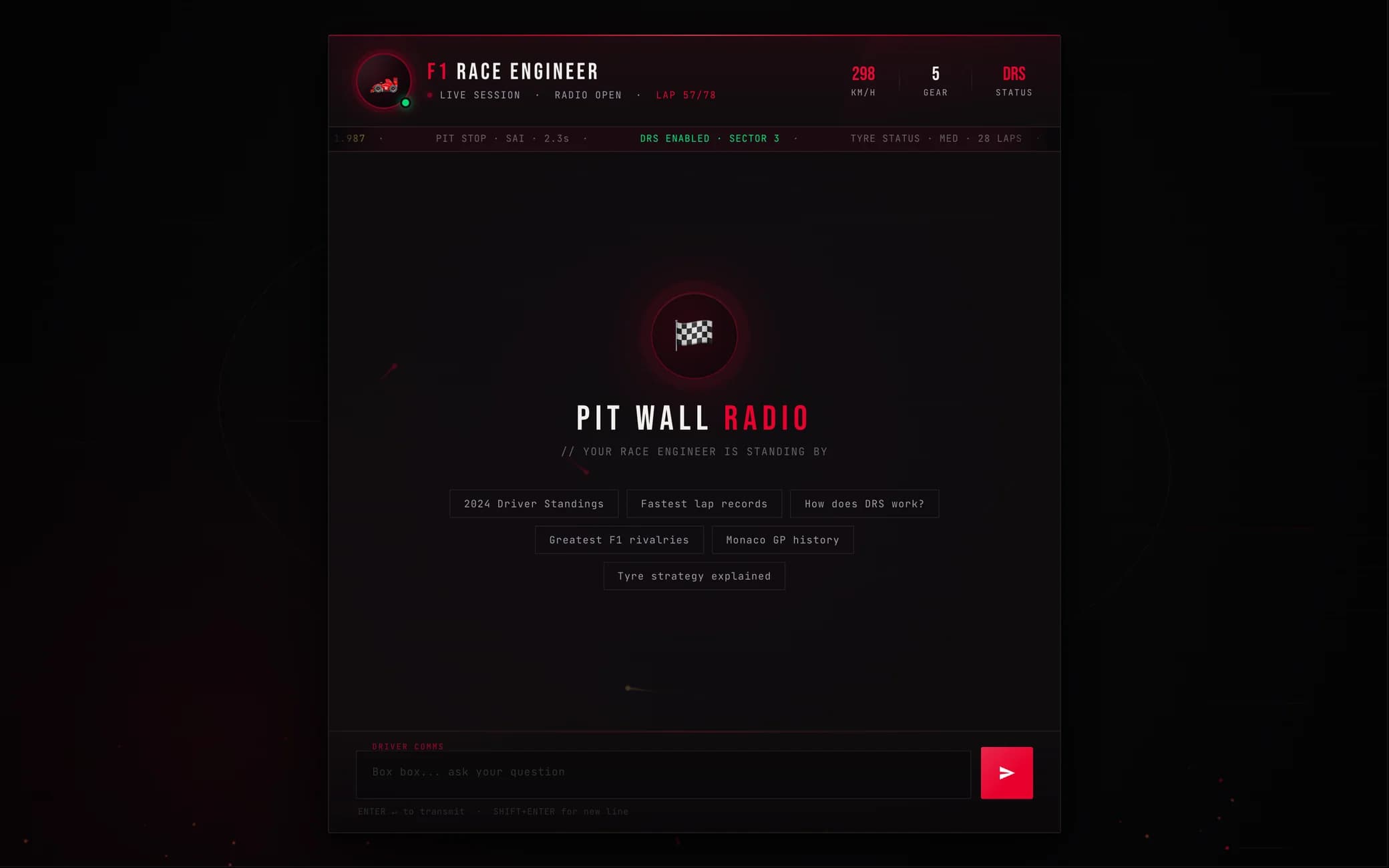
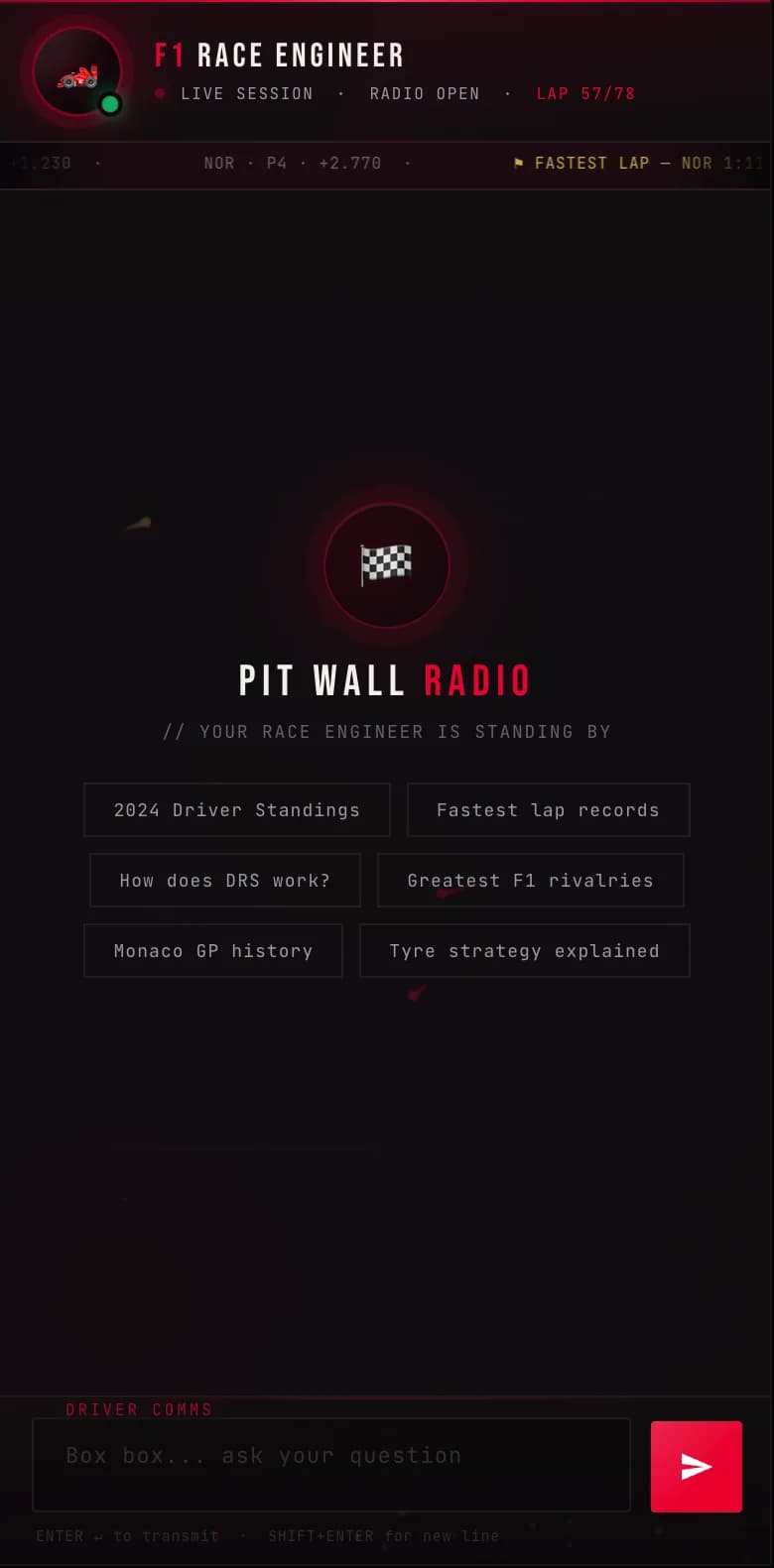
Screens recreated from the app’s template. Speed, gear, lap and the ticker are decoration, not data.
Ask it anything.
Pick a chip, or type.
Six suggestions to start. Enter transmits, Shift+Enter adds a line. The first visit sets a session cookie, so the engineer remembers the conversation.
Radio’s open.
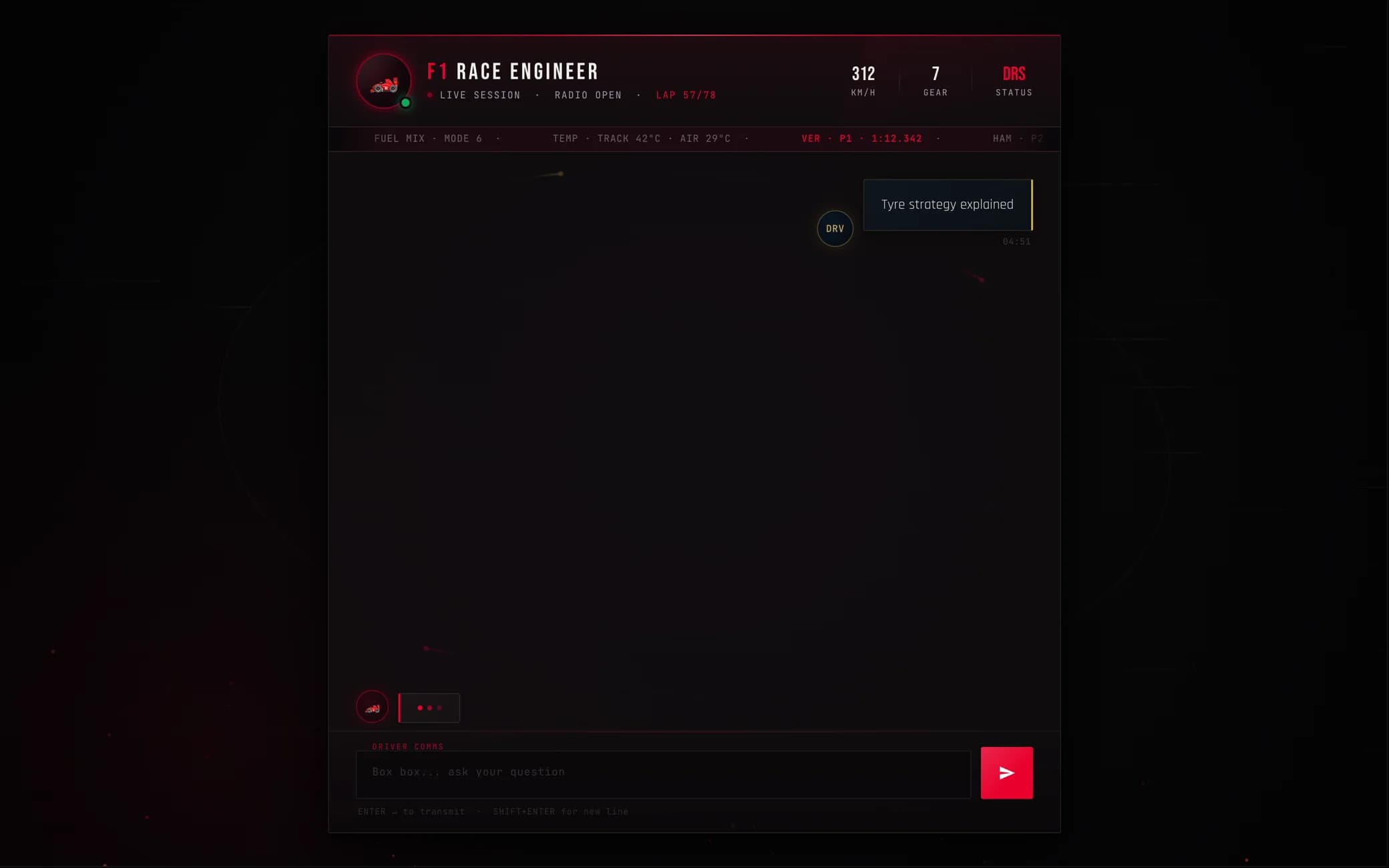
The welcome clears, the question goes to /get, and the engineer’s typing indicator runs until the answer lands.
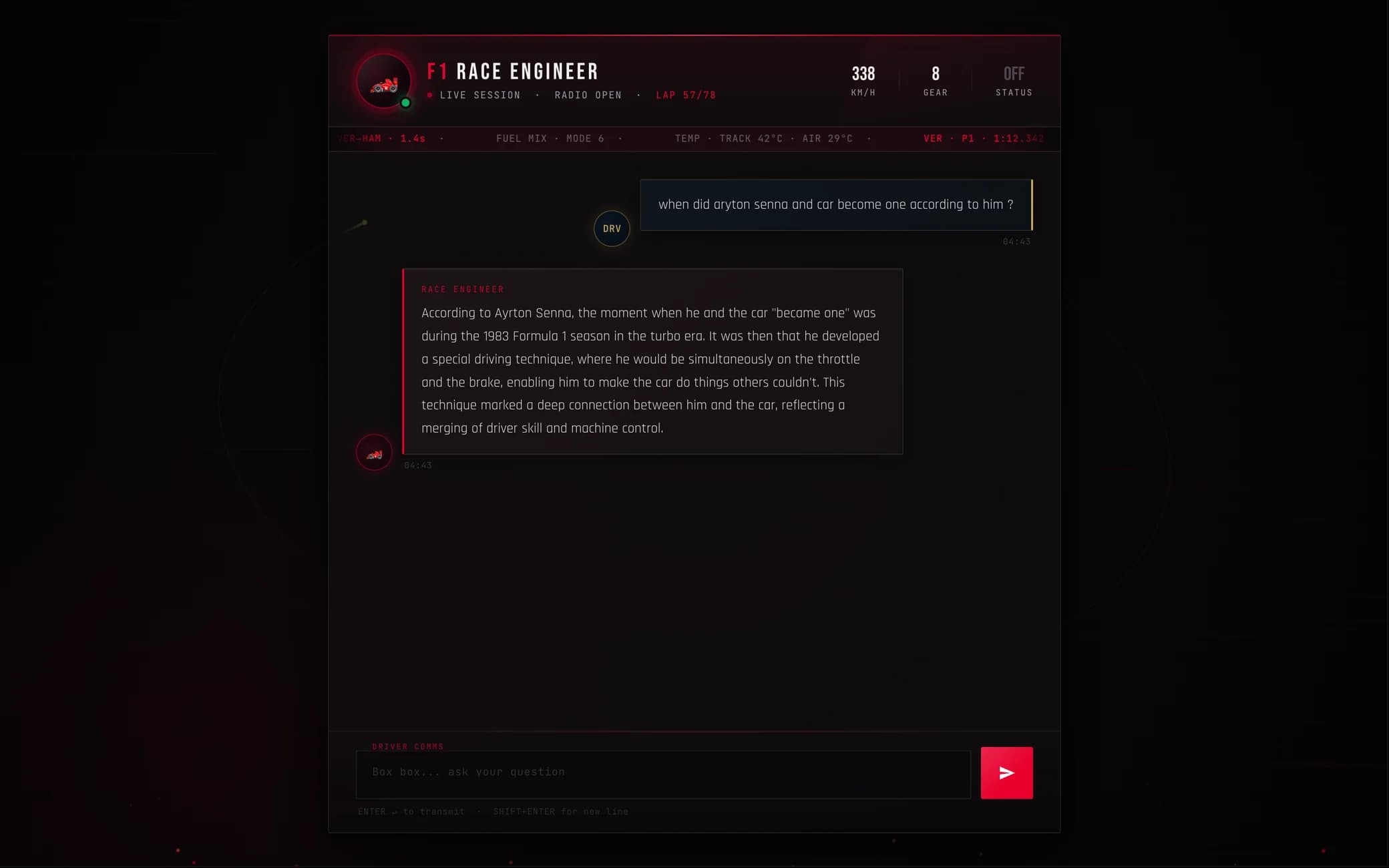
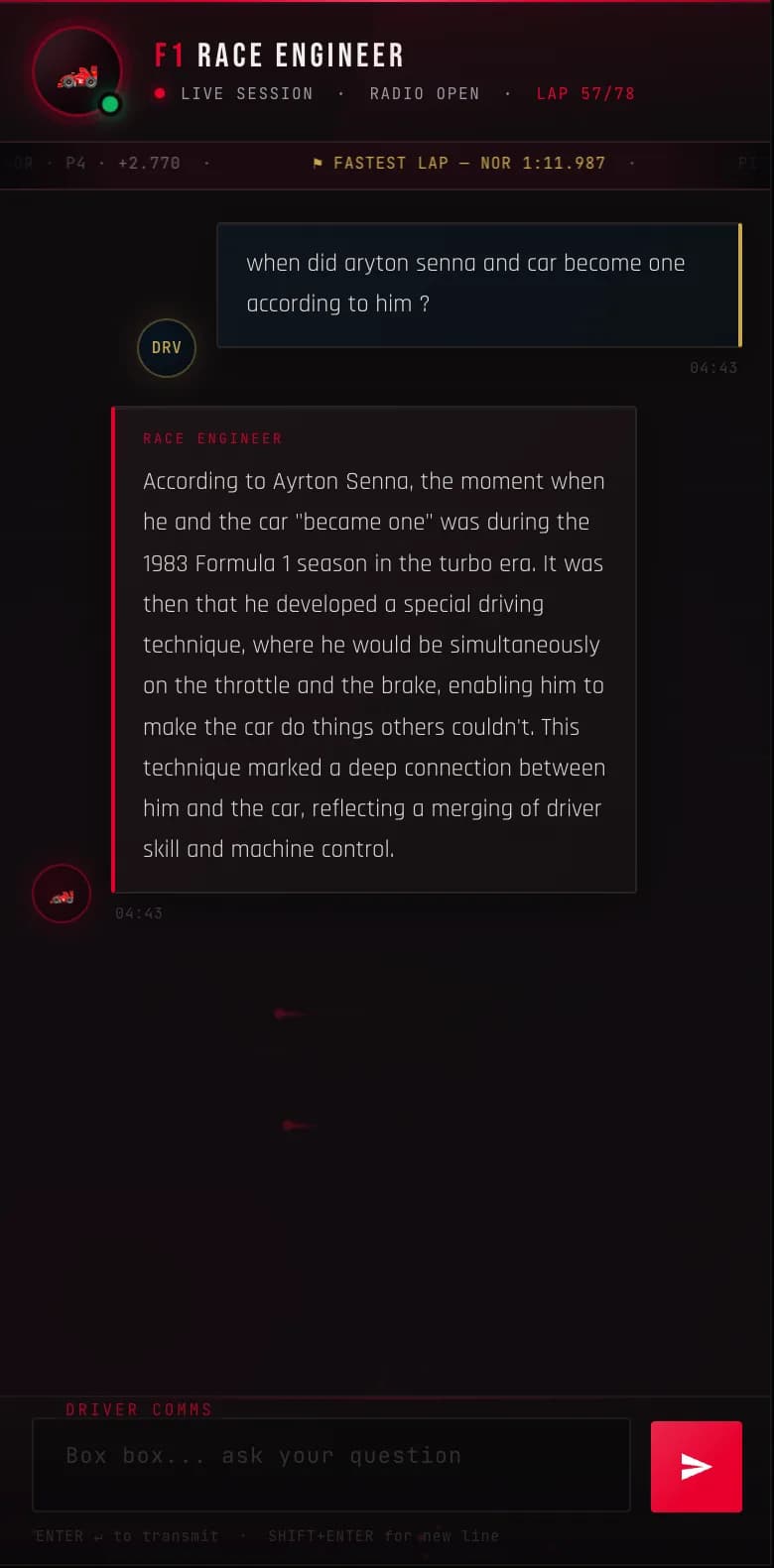
The engineer answers.
A real answer, and a wrong one: it puts Senna in Formula 1 in 1983, a year before his debut. It is why a test set is first on the list below.
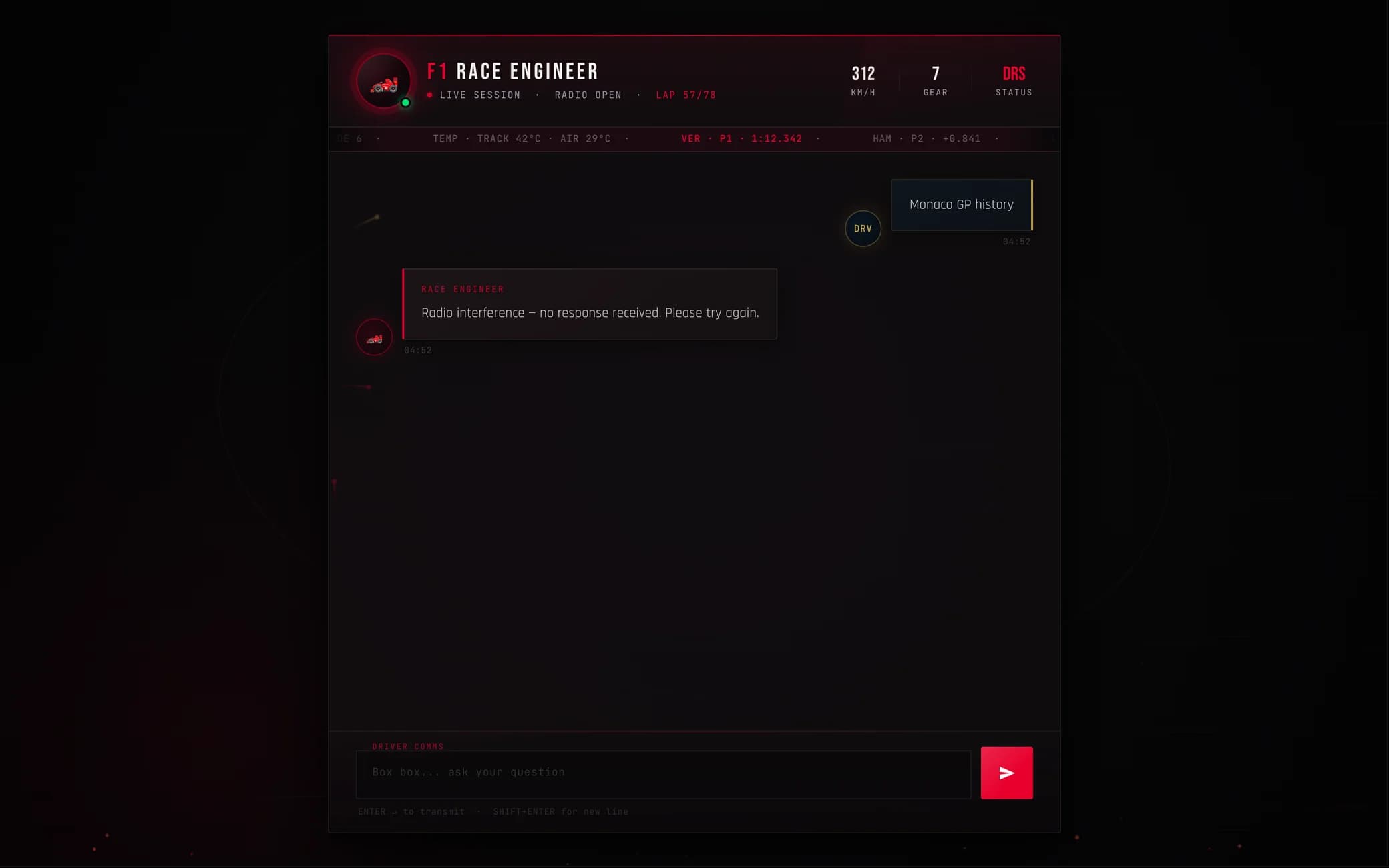
Or the radio drops.
If the request fails, the page says so in the engineer’s voice instead of spinning forever.
Built like a pit wall.
Its own type, five colours and a HUD. Under 500 pixels the telemetry hides and the panel goes full width.
Pit wall radio
Bebas Neue · headers and the HUD
The engineer answers in plain sentences, the way a radio message reads back.
Rajdhani · messages
BOX BOX... ASK YOUR QUESTION
JetBrains Mono · labels, chips, the input
- Racing redthe engineer, sends, alerts
- Off-whitetext
- Steellabels and time stamps
- Goldthe driver’s messages
- Greenlive, and good news
Speed, gear, lap and the timing ticker are there for mood. None of it is live data.
In the garage.
Retrieval first, the web when the data runs dry, one small model to write it up. Then the part that fought back: getting it onto a server.
One question, one lap.
- Sector 1 · RetrieveThe question is embedded by all-MiniLM-L6-v2, the model that embedded the race data, and Pinecone returns the three closest chunks by cosine similarity.
- Sector 2 · Enough context?More than 100 characters across the three chunks: stay out. Less: box, box. SerpAPI searches the web and the results ride along with the question.
- Sector 3 · GenerateGPT-4.1-mini answers from the chunks, with everything said earlier in this session as history.
- Flag · AnswerPlain text back to the page, into the race engineer’s bubble.
The parts.
store_index.py, outside the app
Entry
- store_index.pya script, run by hand
Work
- Splitter9 CSVs, 1950 to 2025, cut into 500-character chunks
Models
- MiniLM-L6-v2embeds every chunk as 384 numbers
Data
- Pineconeserverless index, cosine, us-east-1
Nine files of race data, 1950 to 2025, cut into chunks and embedded once. After that the server never writes to the index.
The index lives in Pinecone, not in the image: the server only reads.
The pit stop.
21 GB to about 5 GB
- CPU-only PyTorch.The server has no GPU, so torch 2.2 comes from PyTorch’s CPU index instead of the default wheels, which bring CUDA with them.
- A slim base.python:3.11-slim-bookworm, plus the one system library CPU torch needs, libgomp1.
- No pip cache.--no-cache-dir, so the image doesn’t carry every wheel it installed.
Race control.
Every push to main goes to the host. Three jobs, one of them not pulling its weight yet.
- IntegrationLint and tests are placeholders: the job only prints. Real tests are on the list below.
- DeliveryBuildx builds the image and pushes f1-chatbot:latest to Docker Hub.
- DeploymentA self-hosted runner on the EC2 host stops the old container, clears images older than a day, pulls, and starts the new one with the keys as environment variables.

What broke.
7 Mar 2026 · Docker
Works on my Mac.
The first image built and then died on start: the Dockerfile ran flask_api/app.py, and the folder is Flask_api. macOS doesn’t care about capital letters; the Linux inside the container does. One letter fixed it, and the lesson stuck: run the container before trusting it.
The commit, 55a45647 Mar 2026 · Retrieval
The fallback that never fired.
The first version searched the web only when retrieval came back with 3 characters or fewer. Pinecone always returns three chunks of up to 500 characters, so the search never ran and thin answers went out as if they were grounded. The bar moved to 100 characters. It is still a length check, which is why it is on the list below.
The commit, bb3e459During a deploy · EC2
Out of disk, mid-deploy.
The EC2 host ran out of disk in the middle of a deploy. I attached a new EBS volume to the running server and finished it there. The deploy job clears images older than a day before every pull, and the image itself went on the diet above.
Fixed on the server, so there is no commit to link.
What I’d do next.
- A small set of F1 questions with known answers, run on every change. The Senna answer above would fail it: his debut was 1984.
- Real tests in Integration, then let them gate the deploy.
- Judge retrieval by similarity score, not by how many characters came back.
- Keep sessions in Redis. Today they live in a Python dict: lost on every restart, never trimmed.
- Bake the embedding model into the image. Today every new container downloads it on start.
Tech specs.
- App
- Python 3.11, Flask 3.1, LangChain 0.3, one HTML template
- Model
- GPT-4.1-mini, with this session’s history
- Retrieval
- Pinecone serverless (cosine, us-east-1), all-MiniLM-L6-v2 embeddings (384), top 3, SerpAPI fallback
- Data
- 9 CSVs of race data, seasons 1950 to 2025, about 16,800 rows, 500-character chunks with 20 overlap
- Image
- python:3.11-slim-bookworm, CPU-only torch 2.2, from 21 GB to about 5 GB
- Delivery
- GitHub Actions, Docker Buildx, Docker Hub, a self-hosted runner on the host
- Hosting
- One EC2 t3.medium running Docker. Retired.